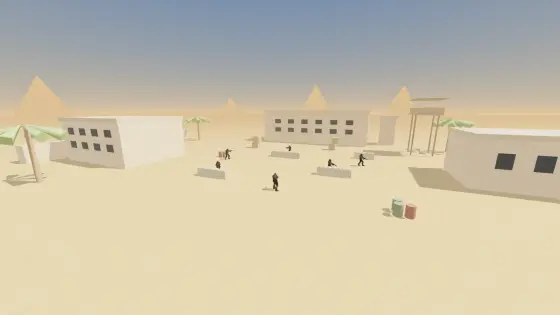
We Were Here Tomorrow
Two players, a walkie-talkie each: €19.99, crossplay between PC, PS5 and Xbox, Windows 11 PC specs and a microphone in the minimum requirements.
Browser-based diagnostics for controllers, keyboards and mice—plus transparent setting converters built for players who want evidence, not guesswork.

Four pages that change with the games: what is free right now, what is releasing, what Steam is playing, and how every popular game is controlled.
Epic and Steam giveaways with the real claim deadlines, plus next week's Epic titles.
Open data · dailyRelease calendarEvery game coming out in the next six weeks, filtered by platform, with links to its controls.
Steam data · dailySteam Top 100The 100 most played games on Steam, with controller, DualSense and Steam Deck support at a glance.
Controls LibraryGame controls & keybindsDefault bindings on keyboard and every controller, a visual keyboard map and quick "how do I" answers.
Two players, a walkie-talkie each: €19.99, crossplay between PC, PS5 and Xbox, Windows 11 PC specs and a microphone in the minimum requirements.
The first Final Fantasy in HD-2D: $49.99 or $59.99 Deluxe, the pre-order bonus, the demo save that carries over, Switch 2 and the PC specs.
A single-player pixel-art action RPG in Steam Early Access: what the 1.0 plan says about co-op and consoles, the Next Fest demo and the light PC specs.
One difficulty and a Custom Mode almost nobody has opened: see what each of its seven options does to a fight, then light the default layout on your own pad.
The Ghostrunner studio’s first-person soulslike unlocks at one instant everywhere: $39.99, Game Pass Ultimate and the PC specs.
Out now. Check your save can start it — the Unmoored World cannot — land the two new weapon-skill chords on your pad, and see what your copy gets.
Nothing in it can be rebound, so measure what you have: tap your own trigger into the Perfect Start, run a Ramjet over water and lava, and check your wheel or keyboard.
Coming from Overwatch, VALORANT, League or Dota 2? See which of your keys Deadlock reuses and which ones will betray you, then drill the parry window.
Every lab explains what it can observe, what the browser may hide and what to try next. Results stay connected to a practical decision.
Watch every button, stick and trigger light up on a drawn PS5, Xbox or Switch pad, then test vibration, report rate and stick circularity — nothing to install, nothing uploaded.
02Measure the observed center offset, maximum movement and stability of both analog sticks with a repeatable browser test.
03Measure the resting center, add a transparent safety margin and find the smallest practical game deadzone without hiding slow intentional input.
04See every press, release, repeat and simultaneous key on a live keyboard map — ANSI, ISO or JIS, labelled with your own layout where the browser allows — and find the combinations your board drops.
05Test common gaming clusters and document which simultaneous key combinations your browser actually receives.
06Check primary, secondary, middle and auxiliary buttons, wheel direction and press duration in one focused test surface.
07Find suspiciously close browser click events with a transparent threshold and a session timeline.
08 DesktopMeasure your mouse's real report rate — every report timed as the operating system delivered it, not once per screen frame — with the interval spread and the gaps behind the number.
09A sensitivity converter and sensitivity calculator in one: convert hip-fire sensitivity between 70 games, keep the same physical cm/360 and see the formula behind the result.
10Check browser capabilities, connected input paths and the right next diagnostic in one private, exportable readiness report.
11Analyze recenter stability, full-circle coverage, outer range, symmetry, triggers and two connected controllers in repeatable stages.
12 PhoneMap multi-touch contacts, edge reach, contact duration and browser-exposed motion data on the phone or tablet you actually play with.
13 DesktopEstimate observed mouse DPI from a measured desk distance, repeat multiple runs and quantify variation instead of trusting one pass.
14Isolate one physical key, compare down-event intervals and separate suspicious chatter from normal held-key repeat behavior.
15Model your keyboard, mouse and reach, then compare three explainable keybind plans without uploading the layout.
16Search a conservative, source-linked compatibility table and distinguish native play, text-only, limited and unverified support.
17Turn “my controls feel wrong” into a reproducible decision tree for controller, keyboard, mouse or touch problems.
18Use four transparent calculators for Minecraft portal coordinates, frame-time budgets, deadzone scaling and touch-target planning.
19Benchmark reaction time, browser event-to-frame delay, key repeat, controller update rate and device identity on the hardware you actually play with.
20 PhoneMeasure the touch sampling rate, tap latency, refresh pacing, multi-touch capacity and motion-sensor rate of the phone or tablet you actually play on.
21 DesktopCheck a mouse sensor for acceleration, angle snapping, rest noise and tracking skips with raw counts, then compare two surfaces side by side.
22Measure click-to-photon system latency with a phone: the PC flashes on each click, the phone hears the click and sees the flash, and reports the median with an honest ± range.
23 DesktopRead the raw HID reports of a DualSense or DualShock 4: stick centres to the byte, drift percentage, gyro bias, report rate, battery and touchpad, read-only over WebHID.
24Calculate eDPI for any supported game, see where it lands among pro settings, convert it to cm/360 and keep the same feel when you change DPI.
25 DesktopSee the DPI, polling rate and battery your mouse is actually set to, read straight from the mouse with no software, then check it against a real measurement.
26 PhoneFind out if your phone is good for gaming in 90 seconds: touch response, display, slowdown when warm and network, scored and explained for BGMI, Free Fire, CODM and more.
27Test your reaction time in five trials and see your true reflex with the mouse, browser and screen delay measured and subtracted.
28Measure your clicks per second in 1 to 60 second modes or with the Space bar, see your best second and consistency, and catch clicks too fast to be human.
29A guided two-minute check for any controller: stick drift at rest, full-circle range, every button and trigger, then a suggested deadzone and a clear verdict before launch day.
30 DesktopFind out whether your keyboard lets go of a key for you when you press its opposite — Snap Tap, Rapid Snap or SOCD handling — and time your own counter-strafes.
31Turn Overworld X and Z into the Nether coordinates where a linked portal belongs, or the other way round, with the rounding the game actually uses.
32Convert a frame rate into milliseconds per frame, and see how many input reports your polling rate fits into each one.
33See how much a stretched resolution widens everything on screen, and the m_yaw value that makes horizontal aim feel like vertical again.
34 DesktopDrum across a few keys for ten seconds and see whether your keyboard reports at 125, 250 or 500 Hz, or faster — read from the rhythm of its events.
35 DesktopSix rounds of “faster or slower?” flicks at an exact cm/360, narrowing to the sensitivity that feels most controlled — then the value for every game the converter models.
36Measure the refresh rate your screen is actually running at, count dropped frames, and check the motion by eye.
37Get the geometrically correct field of view for your screen and seat, in the number each racing game actually asks for, with triple-screen angles and wheel rotation.
38Turn an old CS2 crosshair code or old console settings into the new pixel crosshair — as a code the game imports and as console commands — or read a new code back into commands.
39Carry your crosshair between VALORANT and CS2: paste a code from either game and get the other game’s code, pixel for pixel at your resolutions, with everything that could not carry over listed.
40 DesktopTurn the wheel and press the pedals: a guided check names every axis, then measures centre, real rotation, resolution, pedal range and spikes, and says what to change.
41 DesktopReads your graphics card from the browser, then checks it against the official minimum and recommended specs of every PC game on the site: ray tracing, VRAM, RAM and Windows 11 included.
42 DesktopSend real adaptive trigger effects to a DualSense on PC — resistance, weapon clicks, vibration — watch each trigger’s travel against the force it meets, and reset a trigger a game left stiff.
43 DesktopRead the battery of a DualSense, DualSense Edge or DualShock 4 on a computer with nothing to install: the charge state, the 10% band the controller reports, the time left measured on your own pad, and its firmware version.
44 DesktopRead the battery of a Switch Pro Controller or a Joy-Con pair on a computer with nothing to install: the level the controller reports, whether it is charging, the battery voltage behind that level, and the colours and firmware it states about itself.
45Tap any button on a drawn Xbox, PlayStation or Switch controller and see the same button on the other two, by position or by printed letter, with a full conversion table.
46 DesktopReads every flight device on your desk at once — stick, throttle, rudder pedals, yoke — and checks each axis for reach, centre, jitter, resolution and spikes, with the hat switch and every button.
47 DesktopEvery input from an arcade stick or leverless controller in numpad notation with the frames it was held, the motions you performed, and a two-step check of its SOCD mode against the tournament rule.
48 DesktopBuild a controller input display for OBS: a drawn PlayStation, Xbox or Switch pad, or an arcade panel with a fighting-game input history, previewed live, as one browser-source URL.
49Plays each speaker of a 5.1 or 7.1 layout on your device’s own channels or through the browser’s 3D audio, tells you what is wrong from what you hear, and scores your footstep direction in both.
50Shows your microphone’s level and spectrum live, then a ten-second check measures what your teammates hear — background noise, clipping, hum, Bluetooth hands-free quality — and the threshold to set; record and play it back.
51Five short checks with drawn drivers and a live scope: left and right, polarity, balance, how low and how high your headphones and ears reach, and a rattle sweep — each answer turned into a verdict.
52Three ways to measure how late your sound arrives: tap to a beat, tap to a flash to cancel your own timing and find the audio/video gap, or loop a click through your microphone.
53Type your FOV in one game and get the number that gives the same view in eleven others, for your screen shape, with the scene drawn through both.
54 DesktopTap one key as fast as you can for five seconds: the page reads how long each press is held and how long the key stays released, and compares a run with rapid trigger off against one with it on.
55 DesktopMeasure actions per minute two ways: a drill of key and click prompts whose pace settles where you can keep up, and a free counter that separates real actions from spam.
56Find the tablet area that moves the cursor as far per centimetre as your mouse did, mapped to the whole screen or the playfield, drawn to scale on your tablet.
General knowledge cannot see your hardware. These labs measure the device in front of you and keep the evidence on your side of the screen.
Reaction blocks, event-to-frame delay, OS key repeat, controller update rate and USB device identity in one session report.
Open the latency lab →A five-second untouched sample with average, maximum and stability per stick, plus a deadzone recommendation you can verify.
Run the drift test →Measure real sensor counts over a marked desk distance and compare the median of repeated runs with the number printed on the box.
Measure DPI →Median, P95 and long-gap share across comparable runs instead of one flattering peak number.
Benchmark polling →Hold the movement, sprint and ability clusters you actually use and record the physical codes that fail to arrive.
Test ghosting →Raw touch samples per second, tap-to-frame delay, refresh pacing, simultaneous contacts and sensor rate, measured on the phone in your hand.
Test touch sampling rate →Start with the exact title, platform and input method. Each hub sends the player to a working test and refuses unsupported conversions.
mh wilds focus mode toggle or hold · monster hunter wilds focus mode
Open game lab →02 / MLBBmlbb aim test · mlbb custom hud settings
Open game lab →03 / BSbrawl stars aim test · brawl stars aim tips
Open game lab →04 / SF6sf6 modern vs classic · why does my dragon punch come out as a fireball
Open game lab →05 / T8tekken 8 frame data · tekken 8 just frame
Open game lab →06 / 2K27nba 2k27 trainer · nba 2k27 pro stick
Open game lab →A lab reading is most useful when it is repeatable and interpreted inside its technical boundary.
See the exact events, buttons, axes or pointer samples delivered to the browser.
Use timing, distributions and repeatable conditions instead of reacting to one noisy number.
Compare browsers, ports and devices before changing settings, buying hardware or requesting repair.
Convert hip-fire sensitivity across 70 documented game models, compare every game at the same cm/360, solve for a target distance and save the result inside a device-local profile.
Sample the resting stick, calculate its 95th-percentile center, add a visible margin and verify that deliberate micro-movement still escapes the proposed deadzone.
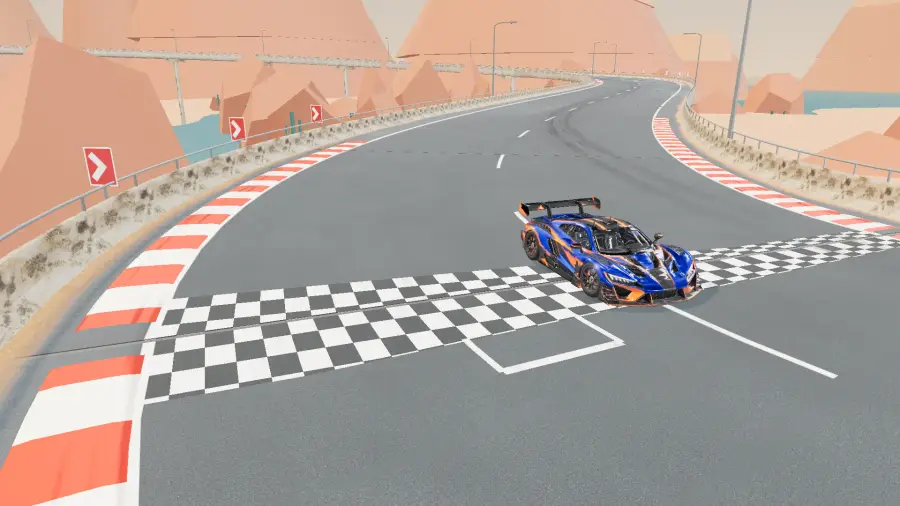
Free games that run in your browser on the same input engine as our tools, with no download and no account. And our own racing game, out now on Google Play and on Windows.

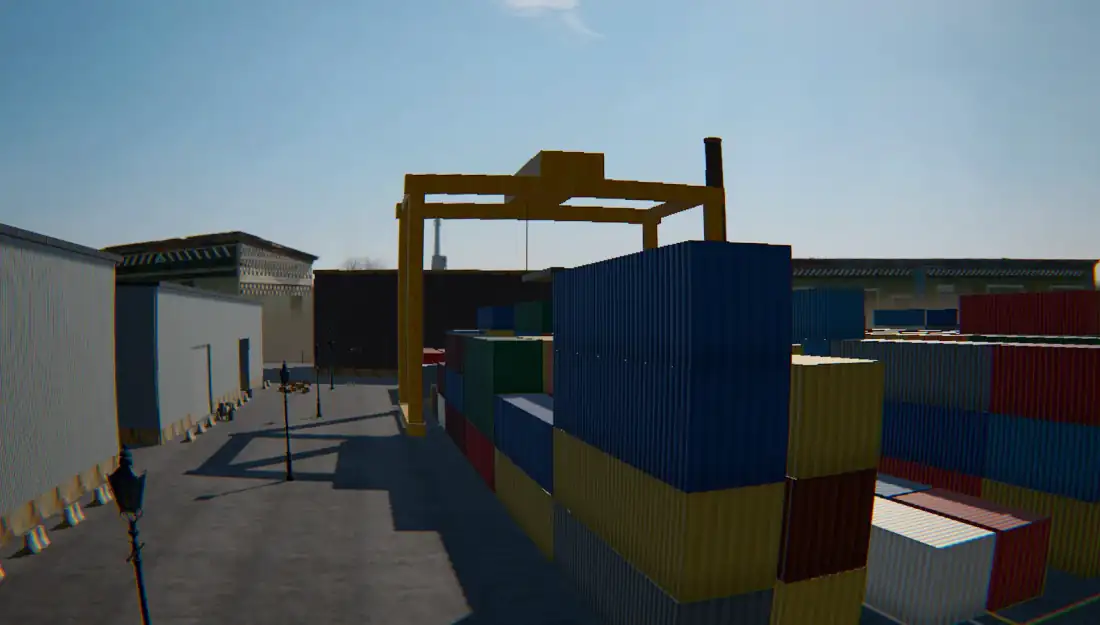
 Free in your browser ARCBREAKER Break the Syndicate’s haulers. Outrun what hunts you. Free in your browser AFTERLIGHT Seven ways to race, nine cars, one screen. NewFree in your browser FPV simulator PROPWASH Fly a real quarry or a container yard, FPV. Arm and fly
 Keymap Labs does not pretend a browser can certify hardware. It gives you clearer evidence, game-aware routes, a repeatable tuning path and portable local reports.

I answer from this site only — the 28 browser tests, the controls library for 46 games, the sensitivity converters and the two games. I can tell you which page to open, how a tool works and what its result means.
I will not guess. If something is not on the site, I will say so.
Answers come from this site's pages.