Clicking faster does not make you hit harder here — since 1.9 it mostly makes you hit
nothing. Measure your own rhythm against the cooldown, find out which three hotbar slots
your hand actually owns, and see why the sensitivity slider behaves so strangely at the
top of its range.
Two rules decide what a swing is worth, and most guides teach only the first. A swing thrown early is scaled down by the attack-strength curve. Then the target is invulnerable for ten ticks, and a weaker hit inside that window does nothing at all. Click below the way you actually click.
Time left8.0s
Click here to start. Then keep swinging for eight seconds.
full damagelanded, weakeneddid nothing
—
Not run yet
The percentage is your damage against what the same eight seconds would have produced swinging exactly on the cooldown.
The chargeThe bar fills over 0.625 seconds with a sword. A swing at the very start is worth a fifth of one at the end.
Your rate—
The cooldown allows1.60
Swings that did nothing—
Damage you dealt—
Damage available—
One stationary target, no armour, no crits. Those change the numbers; none of them change the shape of the answer.
02 / Hands
Three of your nine slots are real
The hotbar is nine keys on the number row, and a hand resting on WASD reaches the first three without moving at all. Everything past five costs you movement for as long as your hand is away — which is why the block you need in a fight belongs in slot 1, 2 or 3, and never in 8.
1
2
3
4
5
6
7
8
9
no movementsmall stretchindex leaves Dhand shiftslook down
1Little finger, already there.
2Ring finger, no movement.
3Middle finger, no movement.
4Index finger stretches right.
5Index finger leaves D.
6The hand shifts; movement stops.
7The hand shifts; movement stops.
8Look-down territory in a fight.
9Look-down territory in a fight.
Reach, not preferenceScroll wheel reaches every slot without moving your hand, but it costs you the certainty of knowing which one you landed on.
03 / Aim
The slider is a curve, not a line
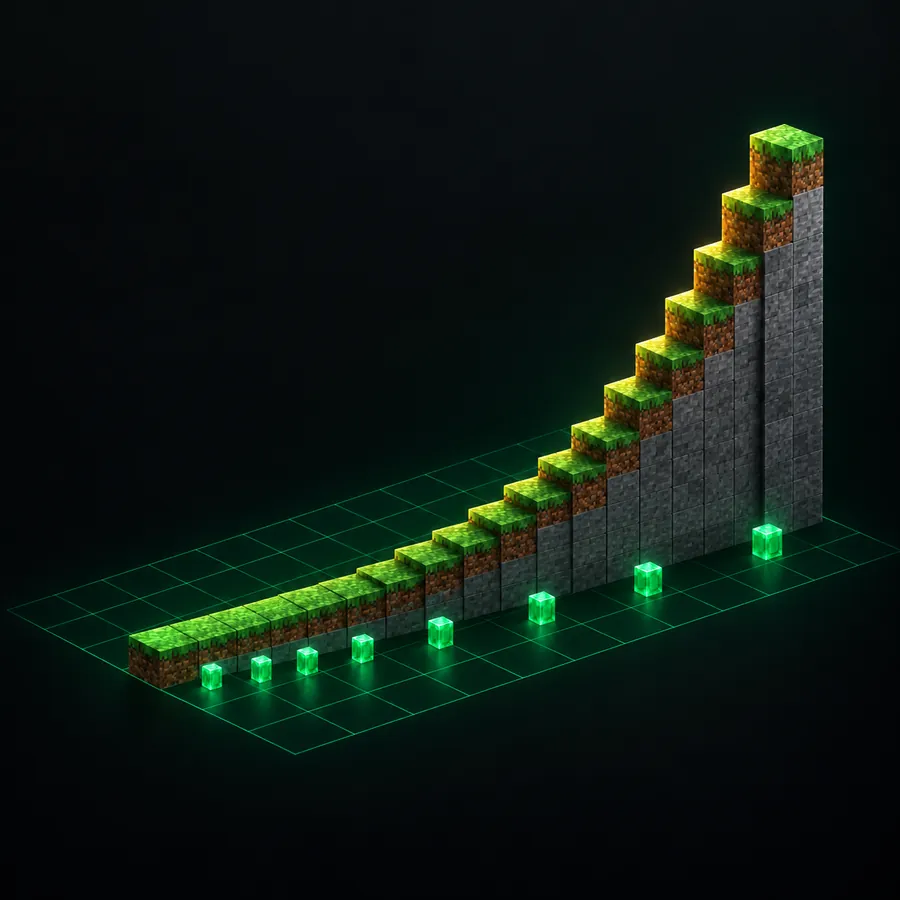
Minecraft cubes your sensitivity before it uses it, so the same ten-percent nudge means something completely different at each end of the slider. Down low you can tune finely; up high a single step can move your full turn by several centimetres and there is nothing between them.
Even steps, uneven worldThe markers below the ramp are evenly spaced. What they land on is not.
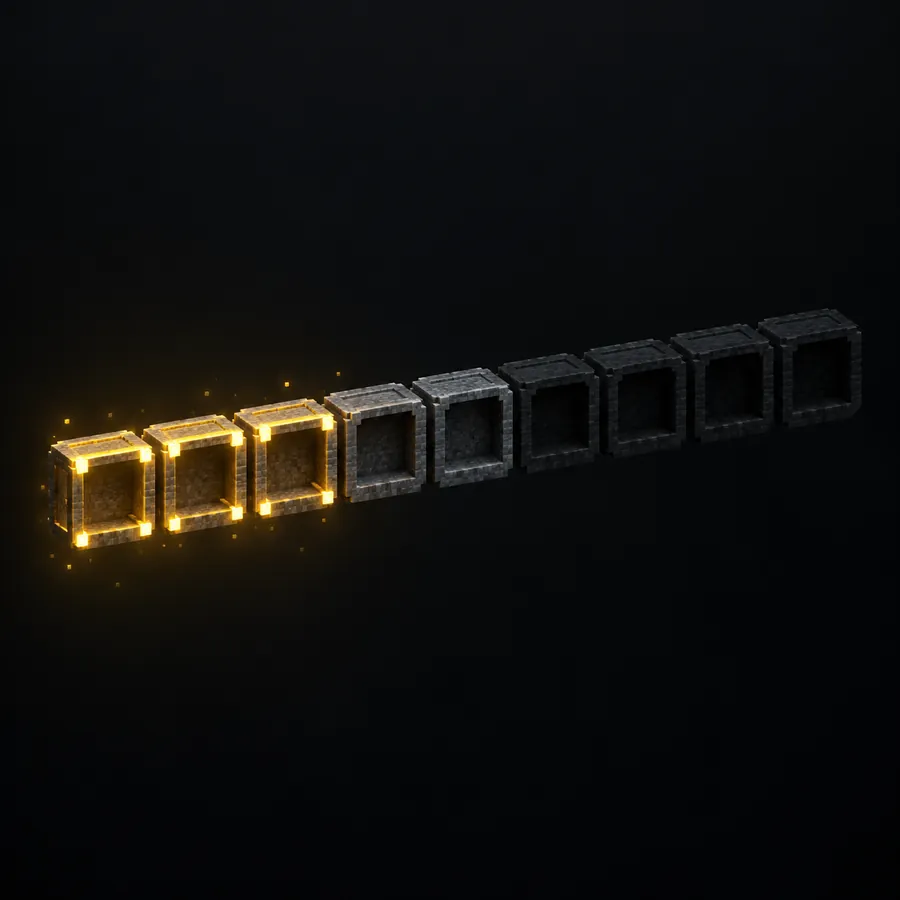
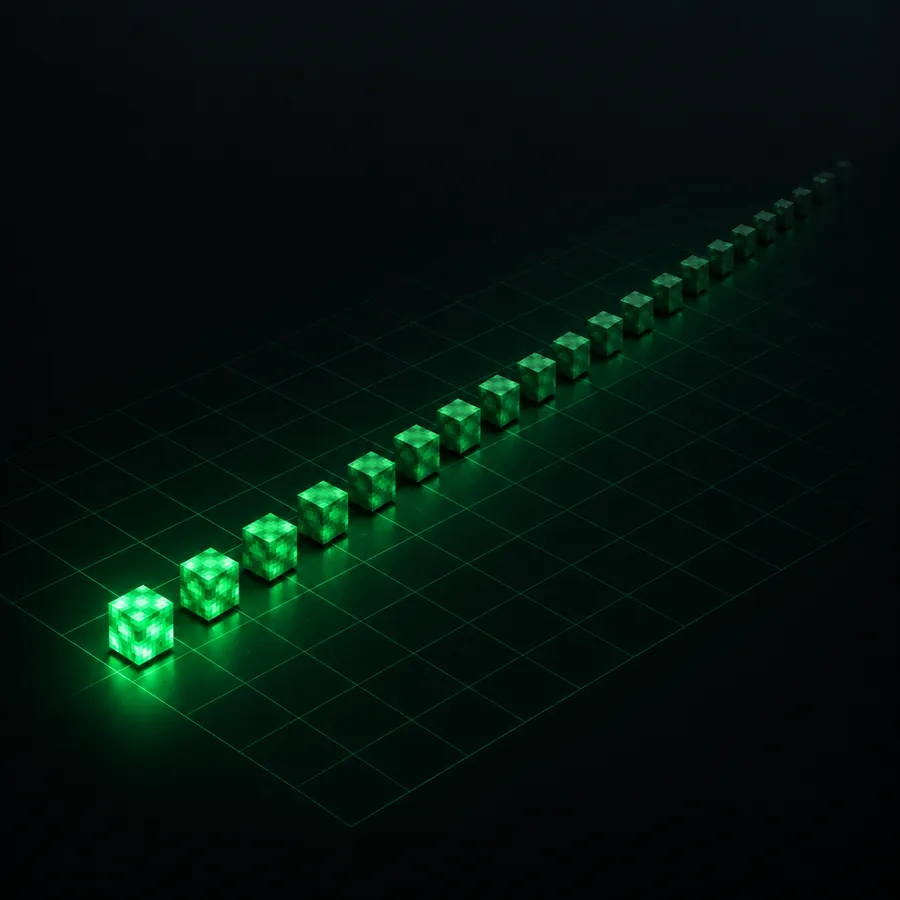
A tick is fifty milliseconds, and nothing on a server happens between two of them. Your click waits for the next one, and your ping waits on both sides of it. That total is the reason a hit that looked clean on your screen registers somewhere else entirely.
One tick50.0 ms
Typical round trip to a registered hit—
Worst case—
A walking target moves—
A server under load runs below twenty ticks a second, and every millisecond of that lands on top of your ping. The block figure uses the documented walking speed of 4.317 blocks per second.
Twenty steps a secondEach cube is one tick. Everything the server does, it does on one of them.
05 / Field notes
Six things the controls menu never says
None of these appear in the game's own key list, and every one of them changes how the input behaves.
Hold, do not click
Breaking a block is a held input. Letting go resets the progress to zero, so a player who taps at a stone block is starting over on every tap.
Render distance is an input setting
Every chunk you can see is a chunk the client keeps in memory. Drop the distance and the frame time drops with it, which is the cheapest latency you will ever buy.
A torch attaches to the block face under your crosshair, not to the block you are standing next to. Aim at the side you want it on before you press.
Shift-click moves the whole stack
Holding Shift while clicking sends an entire stack straight to the other container. It appears nowhere in the controls menu and saves more time than any other single key.
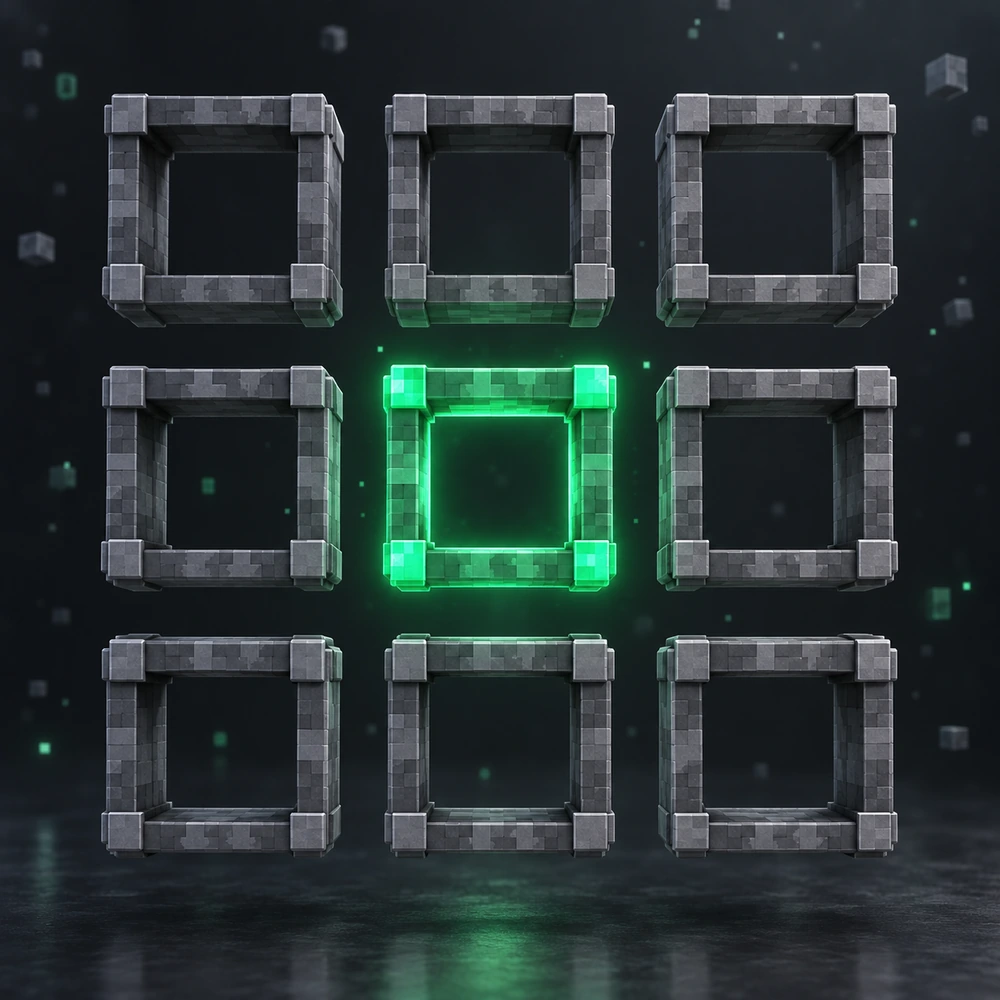
The crafting grid is three by three, and so is the part of your hotbar you can reach without looking. The panel above shows which three are actually yours.
Eight to one
One block travelled in the Nether is eight in the Overworld, horizontally only. The calculator converts X and Z and deliberately refuses to invent a Y.
Java Edition on PC, verified 7 September 2026. Sneak is Shift and sprint is Ctrl, which is the reverse of every shooter — that one swap is behind most of the confusion.
Action
Key
Group
Note
Move
W / A / S / D
Movement
Jump
Space
Movement
Hold in water or while flying to rise.
Sneak
Left Shift
Movement
Stops you falling off edges and hides your name tag.
Sprint
Left Ctrl
Movement
Double-tapping W also sprints.
Attack / destroy
Mouse 1
Interaction
Use item / place block
Mouse 2
Interaction
Pick block
Mouse 3
Interaction
Selects the block you look at if it is in your inventory (creative: any block).
Drop item
Q
Interaction
Ctrl + Q drops the whole stack.
Swap item with off-hand
F
Interaction
Inventory
E
Interface
Hotbar slots
1 / 2 / 3 / 4 / 5 / 6 / 7 / 8 / 9
Interface
Cycle hotbar
Scroll Up / Scroll Down
Interface
Chat
T
Interface
Command
/
Interface
Opens chat with a slash already typed.
Player list
Tab
Interface
Hold on multiplayer servers.
Advancements
L
Interface
Social interactions
P
Interface
Toggle perspective
F5
Camera & debug
Hide HUD
F1
Camera & debug
Screenshot
F2
Camera & debug
Debug screen (coordinates)
F3
Camera & debug
F3 + G shows chunk borders; F3 + B shows hitboxes.
Checked, dated, and the same wording the reference page uses.
How do I see coordinates in Minecraft?+
Press F3 on Java Edition for the debug screen; XYZ shows your position. On Bedrock, turn on Show Coordinates in World Settings and they appear in the top-left corner.
How do I sprint in Minecraft?+
Hold Left Ctrl while moving forward, or double-tap W. On controller press the left stick while moving. Sprinting drains hunger faster.
What does pick block do?+
Middle mouse copies the block you are looking at into your hand if you have it in your inventory; in Creative it gives you any block, including ones with data.
How do I drop a full stack?+
Hold Ctrl and press Q with the stack selected, or drag it out of the inventory window. Plain Q drops one item.
How do I switch to third person?+
F5 cycles first person, third person behind and third person front. On controller press D-pad Up.
Why does double-tap sprint not work in Minecraft?+
The window is a setting almost nobody finds. Options › Controls › Sprint Window is measured in ticks — seven of them, or 350 ms, by default. Raise it if the double tap keeps failing, lower it if walking keeps turning into a sprint.
Can you hold down mining in Minecraft without an auto-clicker?+
Yes. Options › Controls › Attack/Destroy has a Toggle option: one press starts mining and one press stops it. Use Item/Place Block has the same, for eating, drawing a bow and bridging.
Unofficial
Keymap Labs is not affiliated with, endorsed by or sponsored by Mojang Studios or Microsoft.
Minecraft is a trademark of Mojang Studios. The combat model follows the attack-strength and
invulnerability rules as documented on the Minecraft Wiki, and assumes one unarmoured
stationary target. Every illustration on this page is an original voxel render made for it.
New: ask me anything about this siteWhich test to run, a game's default keybinds, what a result means.
KayeeKeymap Labs assistant
I answer from this site only — the 28 browser tests, the controls library for 46 games, the sensitivity converters and the two games. I can tell you which page to open, how a tool works and what its result means.
I will not guess. If something is not on the site, I will say so.