Overview // DISCOVER

Forza Horizon 6

Japan // 2026

Master every input.
Drive your way.

Controls, bindings and interactive input tools for FH6. Every control table published for this game prints one controller column — the game ships 14 numbered layouts, and four of them move accelerate and brake off the triggers entirely.

PC • Controller • Wheel

Input system

Example
Steer
0.00
Throttle
82%
Brake
0%
Gear
4
WASD

An example loop. The lab reads your own device.

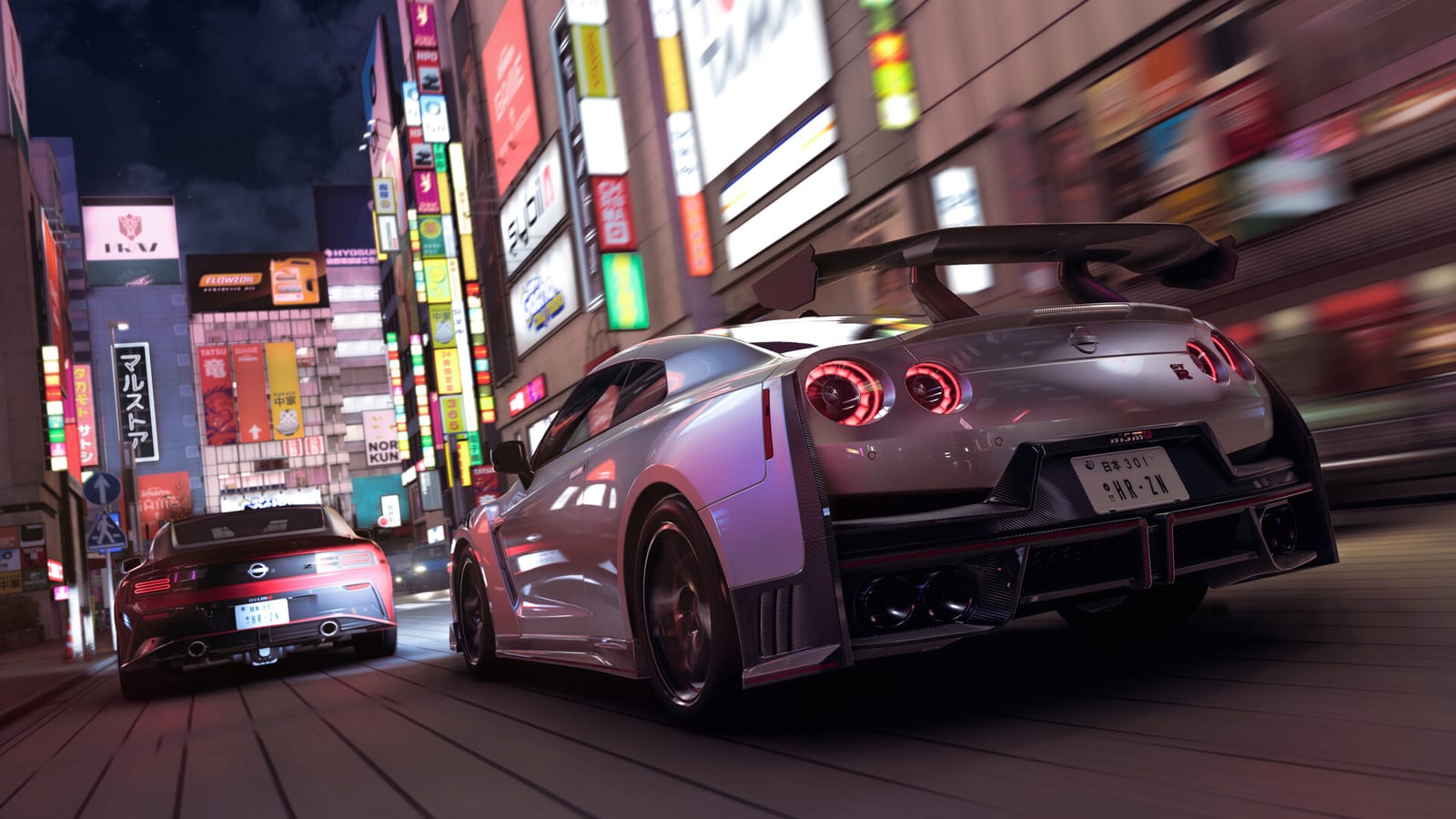
Artwork via Steam

Driving essentials

The six a search engine sent you for.

W

Accelerate

Pad · RT

S

Brake / Reverse

Pad · LT

A / D

Steer

Pad · Left stick

Space

E-brake

Pad · A

E

Shift up

Pad · B

M

Map

Pad · View

View all controls →

What the field does not carry

Three facts, measured.

5 of 14
36%

documented anywhere

Four of them move accelerate and brake off the triggers. The lowest takes the whole driving loop to 1 physical control.

11 actions
Up
2
Right
3
Down
3
Left
3
While driving After the chord

Published control tables print the collisions as duplicate rows and say nothing about them. They are not duplicates; they are layers.

18 partial
30%
42
Fully supported
18
Partial only

Partial is not a footnote — it is the difference between a wheel that works and one whose buttons do nothing. 18 models are still waiting on further support.

Japan // 2026

The roads these controls are for.

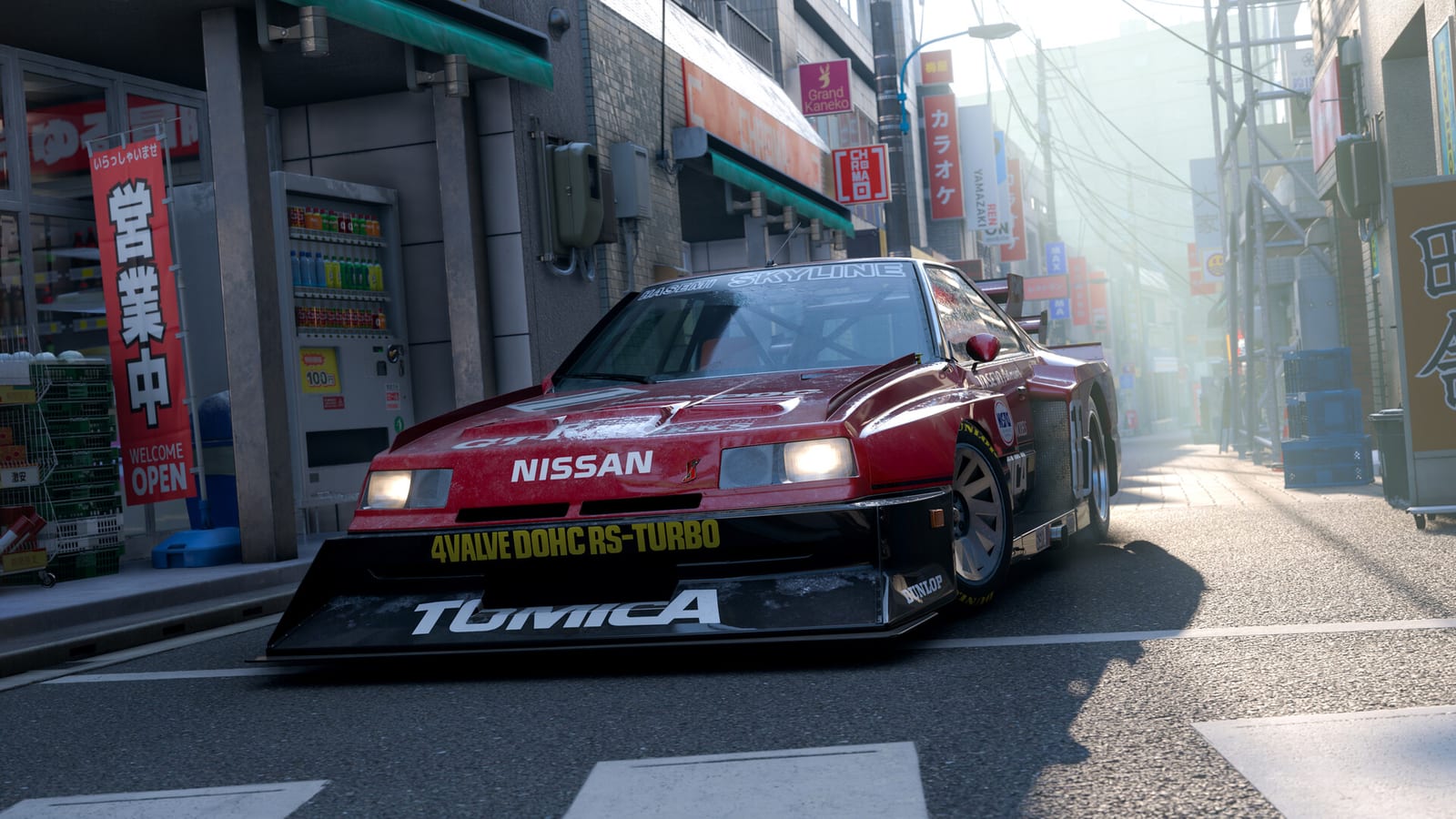
The festival site and the roads out of it.01
City running, where the camera and the steering disagree most.02
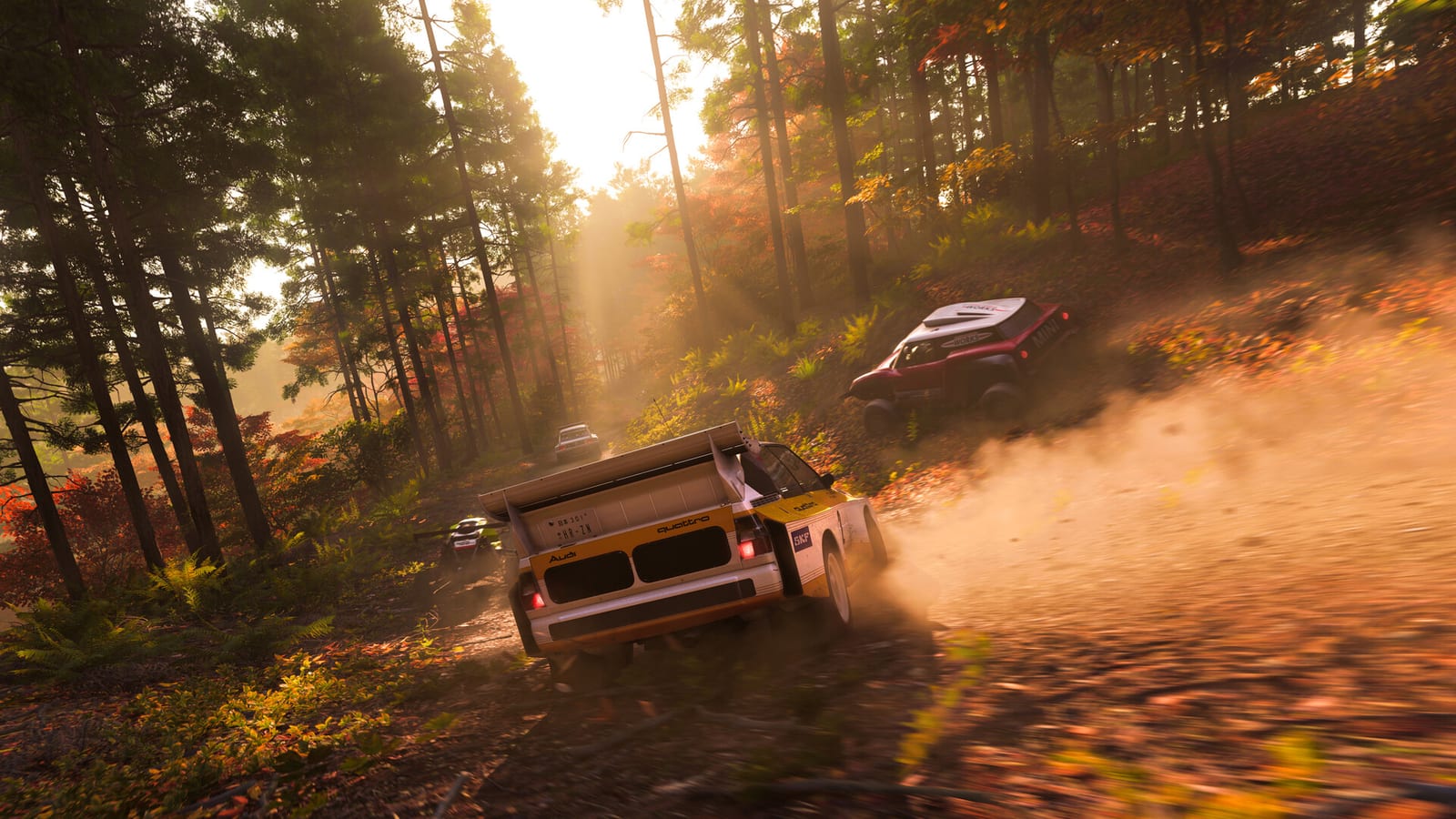
Mountain passes — the surface the wheel guide spends its road-feel section on.03

Screenshots via Steam

Frequently asked control questions

The questions people actually type.

Why are my controls not working in Forza Horizon 6?

Work outwards from the device rather than from the settings. First find out whether the machine sees the device at all — a browser can enumerate connected pads and wheels, and if nothing appears there the game will not see one either. If the device is seen but the game ignores it, the usual causes are a compatibility layer overriding the mapping on a storefront release, a driver or firmware version older than the game, or another device holding the first slot. Only after the device is confirmed present is it worth changing anything in the controls menu.

Why is my controller not detected on PC?

Connect it by cable rather than wirelessly for the test, plug it directly into the machine rather than through a hub, and check whether anything else is connected that also reports as a game device. A wheel, a pedal set and a pad can all be enumerated, and which one arrives first decides which one some software treats as the main device. Our lab lists the order your own machine reports, which is the same diagnosis the official troubleshooting asks you to perform by unplugging things one at a time.

What is the handbrake key in Forza Horizon 6?

Space on a keyboard, and A on the default controller layout. It is listed in the game as the e-brake. On a keyboard it is the one driving input that is genuinely better than its controller equivalent, because a handbrake is a yes-or-no action and a key is a yes-or-no control.

How do I shift manually?

Set the transmission to Manual, or Manual with Clutch, in the difficulty menu first — the shift bindings do nothing while the transmission is automatic. On a keyboard shifting is E and Q with the clutch on Shift. On the default controller layout shift up is B; shift down is the one row published sources genuinely disagree about, with two printing it as unbound and one tested write-up reporting X, so check what your own layout shows.

Can I change the controller layout in Forza Horizon 6?

Yes, in two different ways, and they are worth separating. The controls menu offers numbered layout presets that rearrange the driving controls for you — several move accelerate and brake off the triggers entirely, and one puts steering, throttle and brake on the same stick. Separately, every action can be remapped by hand, and the game stores up to five custom profiles.

Does Forza Horizon 6 support racing wheels?

Yes, and the publisher maintains a tested device list covering roughly sixty models across eight brands with separate columns for PC and Xbox. The distinction that matters is not supported versus unsupported but full versus partial: a partial entry means something like force feedback working while the button mappings are absent, and seventeen models on the list are marked as waiting on further support.

Input database

Last verified 2026-09-21

Rows the published record disagrees about are marked rather than resolved silently. Setting values are the publisher's own or are labelled as suggestions.

Field
Value
State
Source
Last verified2026-09-21VerifiedPublisher documentation
Released2026-05-19 · early access 2026-05-15VerifiedPublisher announcement
PlatformsPC · Xbox Series X|SVerifiedStore listings
PlayStation 5Announced, no dateUnreleasedPublisher announcement
Keyboard bindings33 rowsVerifiedTwo tables agreeing row for row
Controller bindings27 rows, Layout 1VerifiedCross-checked, layout named
Shift down (pad)Unbound, or XContestedSources disagree
Mini leaderboardShares D-pad downContestedNo source separates them
Wheel settings26 namedVerifiedPublisher reference
Tested wheels60 across 8 brandsVerifiedPublisher support table
Publisher sources2VerifiedLinked on the controls page